




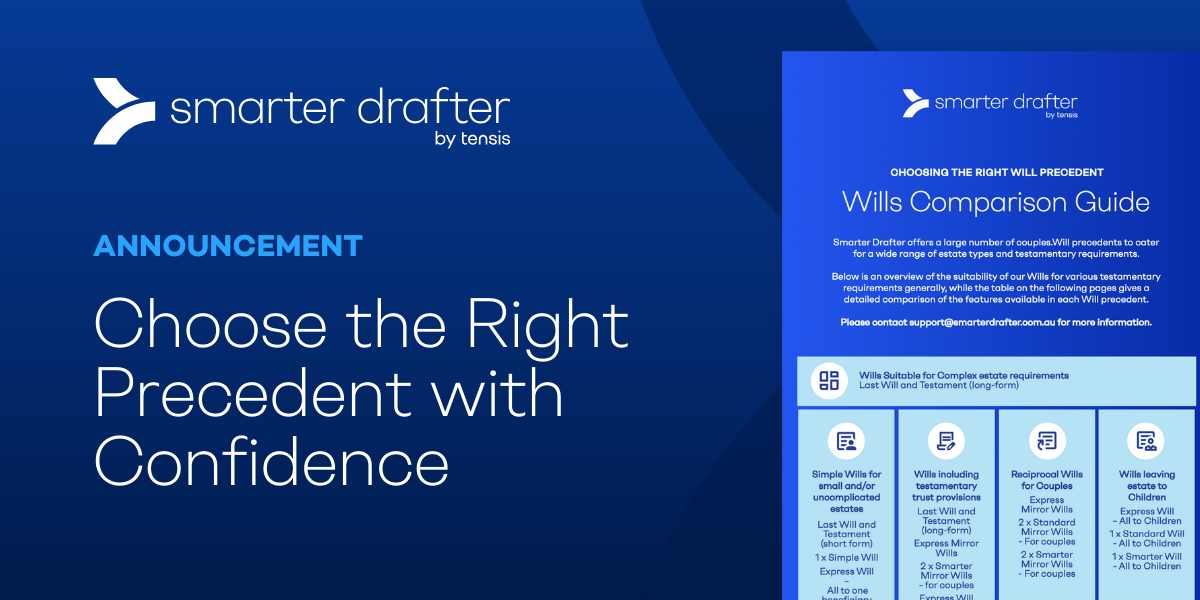
The Wills Comparison Guide highlights the key differences between the Will precedents available in...
 ·
1 minute read
·
1 minute read
After the initial improvements were released in November, Phase 2 will follow with deeper clarity and structural enhancements to the builder experience in Smarter Drafter Pro.
Read our previous blog here to get a refresh on what updates were released as part of Phase 1.
The following Phase 2 enhancements will be available in Smarter Drafter Pro from the 11th of December 2025.
Separation of Settings - Draft vs Published Modes
Separating settings between Draft and Published modes creates a more intuitive workflow for builders. Previously, some settings only appeared after publishing, which made simple updates harder than they needed to be. The new structure removes that friction and gives builders a consistent, predictable place to manage settings at every stage.
A summary of the updates are listed below.
- Cog Icon: Settings for a form will now sit under a cog icon in the header. Builders can adjust settings in both Draft and Published modes, and any changes will be reflected in both versions of the form.
.png?width=800&height=503&name=Draft_Form%20(1).png)
The new cog icon in the header now centralises all form settings.
- New Settings Groups: Settings have been reorganised into four groups: General (previously Details), Actions & Notifications, Embed, and History. Options such as disabling combined documents or setting placeholder limits have been moved into an Advanced dropdown within the General tab.
- Published-Only: Embed and History are only available in Published mode, as they apply to the Published form.
- Related Forms Tab: Related Forms will move to a tab within the form builder. This tab is disabled in Draft mode and editable in Published mode. The underlying functionality remains the same.
- Actionstep Behaviour: The Actionstep tab follows the same approach: disabled in Draft mode and editable in Published mode, with no changes to behaviour. Actionstep mapping will also be hidden in Child and Intake forms, as mapping inherits from the Parent form. Any updates need to be made in the Parent form.
- Test Visibility: Tests run in a Child or Intake form will now only appear in that form’s Tests tab, rather than showing in the Parent form.
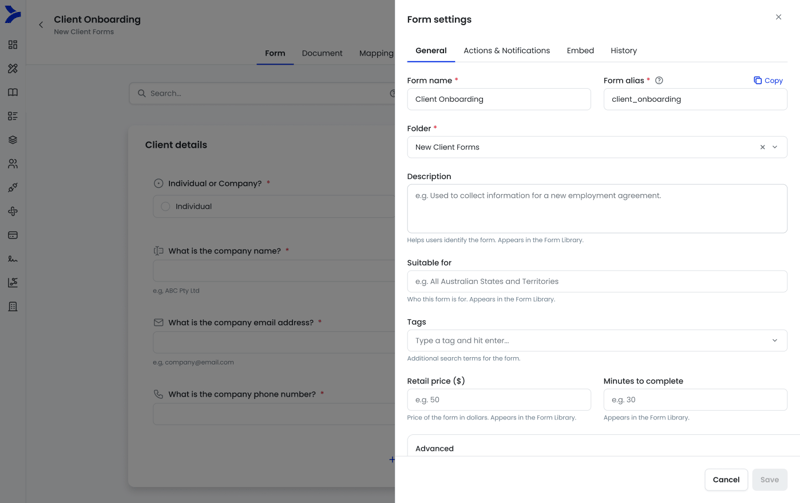
Reorganised Form Settings into four simple groups
Improvements to Calculations
We’ve also made small but meaningful improvements to the dialogue that appears when you click Start here within Calculations on a field. The dialogue now opens in a more practical position, ensuring it no longer blocks key parts of the form (particularly field IDs) making it easier for builders to work without interruption.
Available 11th December 2025
The Phase 2 enhancements will be available in Smarter Drafter Pro from the 11th of December. See the release notes for the complete list of changes.